Milk & production
Import a milk spreadsheet
Download a farm template, check the preview, and import daily milk safely.
Open in MilkSagePrepare and upload
- Open Milk records → Import and download the .xlsx or .csv template.
- Use the pre-filled active female animal rows. Enter litres for the sessions you want to record and keep the template structure.
- Upload the filled file. Check the date read from the file and the previewed animal tags and session values.
- Resolve unknown animals and blocking row errors. Empty rows are skipped.
- Review the overwrite notice, then choose Import animals. Check the reported imported count and return to Daily capture or History.
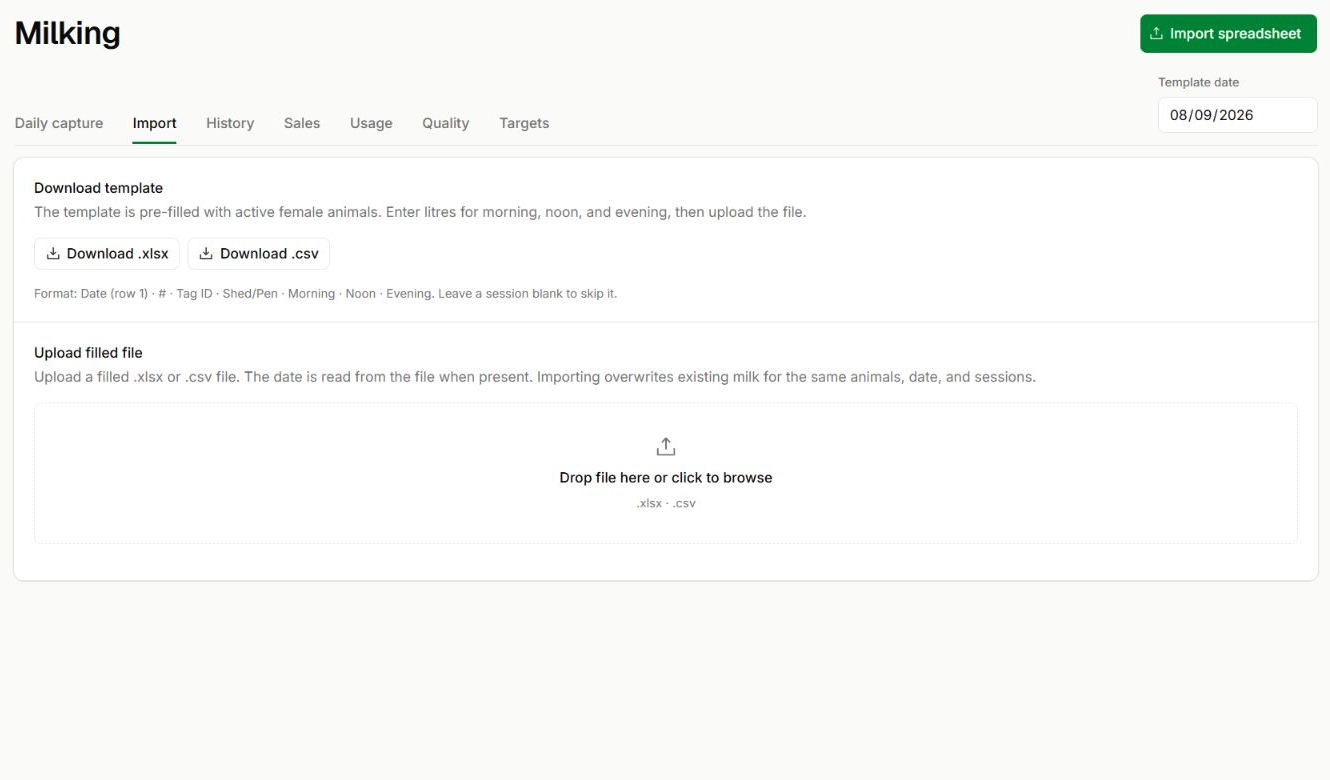
Download, fill, then upload
Milk records → Import
- Choose Download .xlsx or Download .csv in the first section.
- Keep the date row and animal tags intact. Upload the filled file in the second section, then review the preview before importing.
Understand replacement behavior
Filled morning, noon, and evening values replace existing milk for those animals on the import date. Blank sessions remain unchanged.
Before you continue
A filled zero and an empty cell are different. Review the date and every filled session before importing.